Permanent residence
Confirmation of permanent residence (COPR): the portal, the photo and your first PR card
The PR portal, IRCC’s two emails, photo and address rules for the PR card, and entering Canada before your COPR date: how to finish becoming a PR.
Your permanent residence application has been approved: the last step is to confirm your status. How that happens depends on where you are. If you are in Canada, IRCC confirms you through the Permanent Residence Portal and you receive an electronic Confirmation of Permanent Residence (e-COPR). If you are abroad, you receive a COPR and become a permanent resident at a Canadian port of entry, before the date printed on it. This guide walks through both paths, the photo and address rules for your first PR card, and the mistakes that cause delays, based on IRCC’s pages consulted on October 25, 2026.
Key takeaways
- A Confirmation of Permanent Residence (COPR, also known as IMM 5292 or IMM 5688) proves that your application was approved; it is used to complete the final steps.
- In Canada, IRCC sends two emails: one asking for basic information, then one saying it is ready to confirm your status.
- Declaring that you are in Canada does not make you a permanent resident yet; the e-COPR in your portal account does.
- Abroad, you must travel to Canada and present your COPR at a port of entry before its validity date.
- Your first PR card goes to your Canadian address once IRCC accepts your photo. Until then, the completed COPR is your proof of status.
What the COPR shows
According to IRCC, the COPR lists your personal information, such as your name and date of birth, your city and province of destination, and a date by which, if you are outside Canada, you must travel to Canada to become a permanent resident. That date is the expiry date of your travel document. Once completed, it also shows the date you became a permanent resident.
That last date matters for years. It is the starting point for the residency obligation attached to your PR card and, later, for counting time towards citizenship. Our article on the PR card and the residency obligation explains what comes next.
When you receive the COPR, IRCC asks you to check that your information is correct and matches your passport. An error on a COPR is fixed through IRCC’s amendment process, and it is much easier to deal with before you travel or rely on the document.
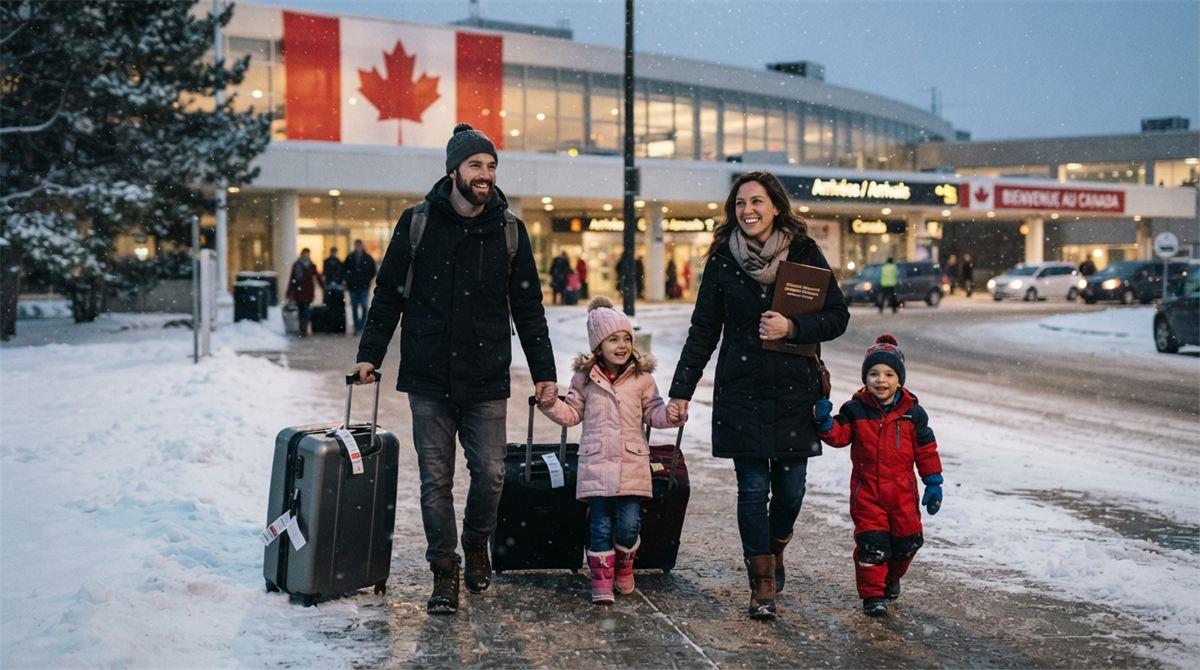
If you are in Canada: the Permanent Residence Portal
Most people approved from inside Canada, such as Canadian Experience Class candidates, spouses sponsored in Canada and PSTQ candidates already living in Quebec, confirm their status online.
- Watch for two emails. The first asks you to respond with some basic information. The second tells you IRCC is ready to confirm your permanent resident status. Check your junk folder.
- Use the right account. If you applied through the Permanent Residence Portal, use the same account. If you did not, IRCC emails you a username and temporary password. Do not create a new account.
- Sign in and choose the category “Confirmation of permanent residence”.
- Declare that you are in Canada. IRCC cannot confirm your status while you are outside Canada. If you plan to travel before receiving your e-COPR, contact IRCC using the email address in your invitation.
- Give your Canadian address and upload your photo. Without an address, your application will be delayed.
- Wait for the e-COPR. Once you have confirmed you are in Canada, IRCC uploads your e-COPR to your portal account, which can take up to a few weeks.
The temporary password expires 30 days after IRCC creates your account. If it has expired or is lost, write to the address that sent your invitation; a new temporary password can take up to 24 hours. If you received several identical emails from different addresses, IRCC says to answer the most recent one: a mailbox problem in December 2024 caused some messages to be sent twice.
A representative, such as a regulated consultant or a lawyer, can advise you and help with the portal for a fee. But IRCC is clear that a representative cannot sign in with your username and password, and cannot declare that you are in Canada for you.
Your photo for the first PR card
IRCC reviews the photo you upload and accepts it if it meets the requirements, which may take some time. The main requirements listed on its portal page are:
- a neutral facial expression: eyes open and clearly visible, mouth closed, no smiling;
- uniform lighting, without shadows, glare or flash reflections;
- face and shoulders centred and squared to the camera;
- a plain white background, clearly distinct from your face;
- natural skin tones and your current appearance, taken within the last 12 months;
- between 715 × 1000 and 2000 × 2800 pixels;
- taken by a professional photographer;
- an original photo, not altered in any way and not taken from an existing photo.
“Altered” is broad. IRCC includes adjusting colour, brightness, contrast or sharpness, cutting and pasting the subject onto a white background, editing facial features, removing wrinkles, blemishes or red-eye, changing the background and editing clothing. If your photo is returned, for example because the background is not white, there is glare, the dimensions are wrong or the file is larger than 4 MB, you can submit a new one in the portal.
You can replace the photo as many times as you like until you submit it. If the system warns that the photo does not meet the requirements and you submit anyway by checking the acknowledgement box, the photo can no longer be changed.
Your address and the PR card
Once your photo is approved, IRCC sends your PR card to the Canadian address you gave. Two rules catch people out: IRCC only mails PR cards to a post office box if you live in a rural area where mail is not delivered directly to houses, and it does not mail cards to third-party addresses such as family members or representatives. Give an address where you will actually receive mail.
If you are outside Canada: becoming a PR at the border
If you are abroad, IRCC issues your COPR before you travel, with a permanent resident visa if you need one. You must travel to Canada and present the COPR at a port of entry before the validity date shown on it.
When you arrive, a Canada Border Services Agency officer examines the accuracy of the information on your COPR and your documents. That interview is the moment you become a permanent resident, and the date goes on your COPR.
Plan the trip with some margin. A flight delay that lands you in Canada after the COPR date is a real problem, and the portal declaration used by people in Canada is not a way around it: do not declare you are in Canada if you are not.
Travelling before your PR card arrives
You must be physically in Canada to confirm your status. Once you are a permanent resident, IRCC says you need a valid PR card to return to Canada by plane, train, bus or boat. If you have to leave before your card arrives, you need to apply for a permanent resident travel document to come back.
The e-COPR proves your status in Canada; it is not the travel document airlines ask for. If a trip cannot wait, plan for the travel document application first.
A short checklist before you confirm
- Your passport is valid, and its details match your application and COPR.
- You are physically in Canada (portal path) or have booked travel well before the COPR date (border path).
- You have a Canadian mailing address where you will receive mail for the coming months, not a relative’s or your representative’s address.
- You have a professional photo taken within the last 12 months, unedited, on a white background and within the pixel and file-size limits.
- You know which email account IRCC uses for your file, and you check it, junk folder included.
- Any work or study permit you hold remains valid until you are confirmed, so you keep your status in the meantime.

After you become a permanent resident
Keep the COPR or e-COPR somewhere safe, and save a copy. It is your proof of status until the PR card arrives, and it records the date you became a permanent resident, which you will need again for the residency obligation and a future citizenship application.
Your new status also changes your dealings with other services. In Quebec, for example, newcomers usually update their file with the Régie de l’assurance maladie du Québec and their social insurance number record with Service Canada; each organization sets its own requirements, so check them directly. Children who became permanent residents with you follow the same confirmation steps on their own files.
Finally, remember that the PR card has an expiry date while permanent resident status does not expire on its own. Note the card’s expiry in your calendar when it arrives.
Problems and fixes
- The e-COPR will not open. IRCC suggests using the latest version of your software (such as Adobe Reader, Chrome or Edge) and, in Adobe Reader, making sure the option to replace document colours is not checked.
- The e-COPR has wrong information. Ask IRCC to amend the information on your COPR.
- No email or no password. Check your junk mail, then write to the address in your invitation. Do not open a second portal account.
- The photo was returned. Read the reason, take a new professional photo that meets every requirement and upload it in the portal.
For a Quebec-selected file, our article Got your CSQ? The next steps with IRCC covers the federal application that comes before the COPR. Our permanent residence page, our assessment form and a consultation can help if your situation is not straightforward.
Frequently asked questions
Is the e-COPR the same as a PR card?
No. The e-COPR is the electronic confirmation of your status, uploaded to your portal account. The PR card is a separate document mailed to your Canadian address once your photo is accepted.
Can my consultant confirm my PR for me?
No. A representative can help, but cannot sign in with your credentials or declare that you are in Canada on your behalf.
Can I use a selfie for the PR card photo?
IRCC’s current portal page lists a photo “taken by a professional photographer” among the requirements, along with the size, background and 12-month rules.
What happens if I arrive in Canada after my COPR expires?
The COPR must be presented before its validity date. If you cannot travel in time, contact IRCC before the date rather than after.
Can I travel while waiting for my e-COPR?
IRCC cannot confirm your status while you are outside Canada. If you plan to travel before receiving your e-COPR, contact IRCC at the address in your invitation first.
In short
In Canada, answer IRCC’s two emails, use the right portal account, declare you are in Canada, give a real Canadian address and upload a professional, unedited photo; your e-COPR follows. Abroad, travel with your COPR before its validity date. Either way, check every detail on the COPR, keep it safely, and do not leave Canada without a PR card or a travel document.
Official sources
Official pages consulted on October 25, 2026:
- IRCC — Confirm your permanent residence from within Canada
- IRCC — Confirmation of Permanent Residence document
More in this series
- Canadian permanent residence: start with where you will live
- Arrima explained: what happens after your PSTQ expression of interest
- Bridging open work permit: how to keep working while your permanent residence is processed
- Canadian Experience Class requirements: a checklist, and the Quebec rule
- Canadian Experience Class: how IRCC really counts your 1,560 hours
- Express Entry changes November 3, 2026: CRS points, job offers and LMIA rules
About this guide
Written for Visa Canada Rouge, a Montreal immigration consultancy led by Moadh Rahmaoui, Regulated Canadian Immigration Consultant (RCIC-IRB, licence R534941, listed on the public register of the College of Immigration and Citizenship Consultants).
This guide is general information, not legal advice. Immigration requirements, fees and processing times change often: check them on the official websites (canada.ca, quebec.ca) when you apply. No outcome can be guaranteed.
Every file is different.
This guide covers the general rules. To find out what applies to you, talk to a regulated consultant.